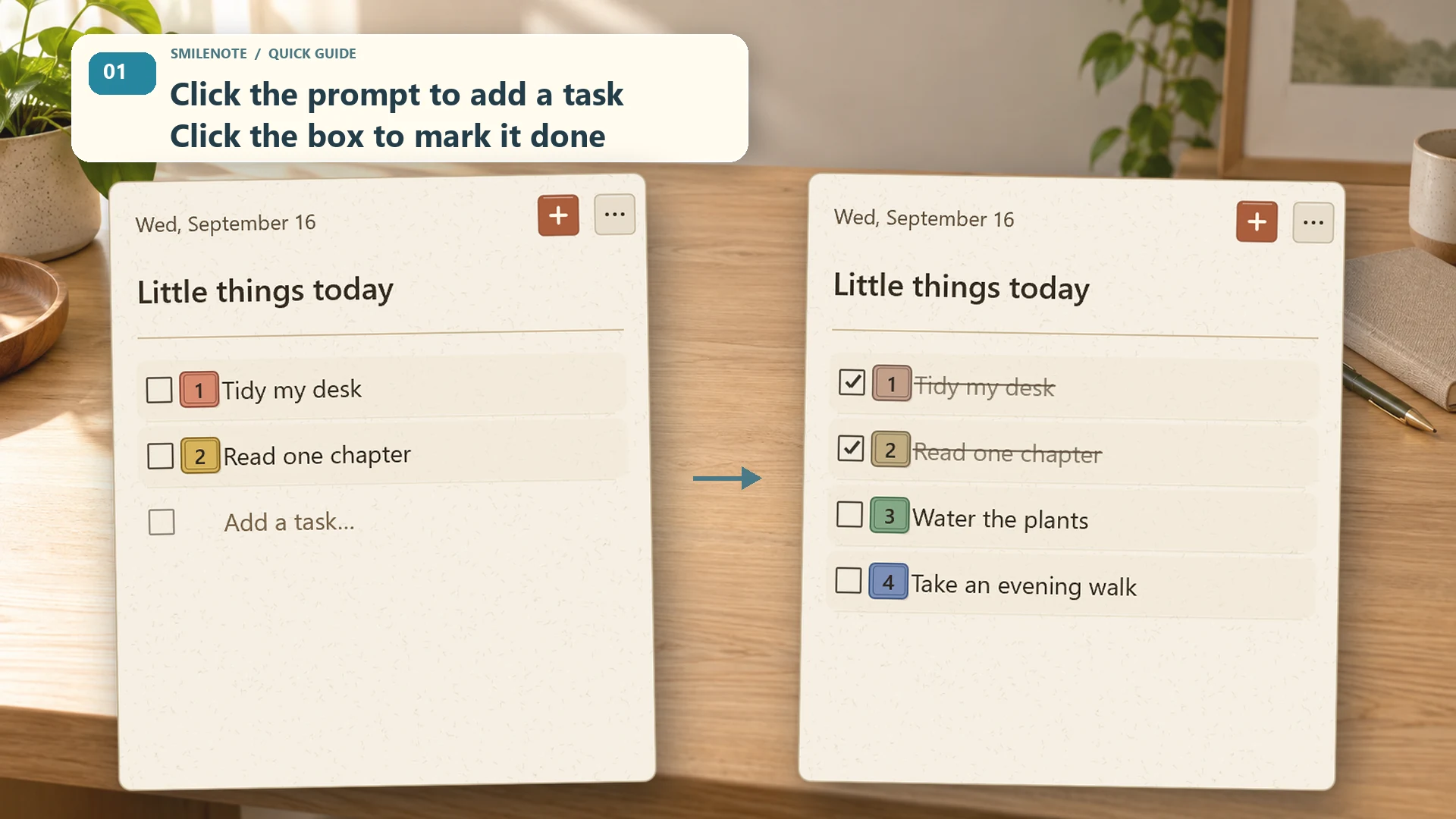
Write it. Check it. Keep going.
Add a title and tasks, edit them and mark things done. Drag task numbers to change the order. Enter saves an entry; Esc cancels the current input.
SMILENOTE / FREE

SmileNote Free brings quick notes and small checklists to your Windows desktop. Try the core experience before choosing Pro.
Windows 10 / 11 · x64
Add a title and tasks, edit them and mark things done. Drag task numbers to change the order. Enter saves an entry; Esc cancels the current input.
Collapse the note into a small smile with a progress ring. Open it again with a click. The tray menu includes an explicit Exit command.
Paper, liquid glass and starfield appearances, four interface languages, a configurable global shortcut and local history.
No SmileNote account or built-in cloud sync. Export a JSON backup and keep it somewhere safe. Pro offers a larger workspace rather than changing Free into a paid subscription.

Start with a note. Build a plan when you are ready.
Windows 10 / 11 · x64 · One-time purchase. No subscription.